Live in your macOS menu bar

See your Claude usage limits at a glance, right in your menu bar.

Weekly, 5-hour, and per-model percentages — updating quietly next to your clock. Know your pace before you hit a wall, not after.

Free · On the Mac App Store · Reads your existing Claude sign-in

usage — this session
72%
Weekly
resets in 2d 6h
41%
5-hour
resets in 1h 48m
89%
Fable
on pace to run out early

Everything you need to know, before you're stuck mid-task.

Your menu bar, your call

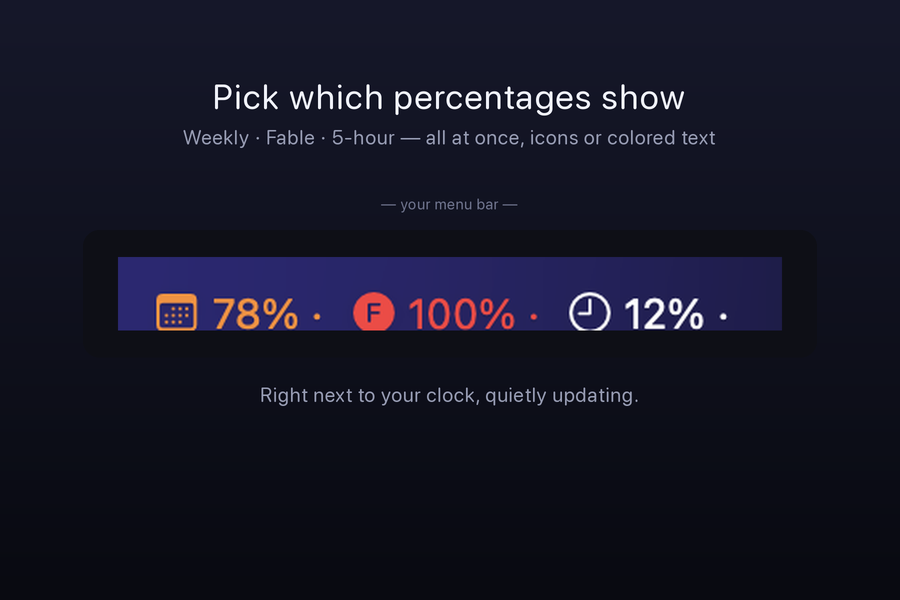
Pick which percentages show, right next to the clock.

Show your weekly limit, your rolling 5-hour limit, a specific model like Fable — or all three at once. Color-coded text keeps it readable at a glance, no icon-squinting required.

  • Toggle weekly, 5-hour, and per-model limits independently
  • Color shifts from calm to warning as a limit gets close
  • Click through to a full popover with every account and model
  • Stays out of the way until a number actually needs your attention
Menu bar
Claude Usage Trend Tracker menu-bar readout showing weekly, 5-hour, and per-model usage percentages next to the macOS clock.
Know before you hit the wall

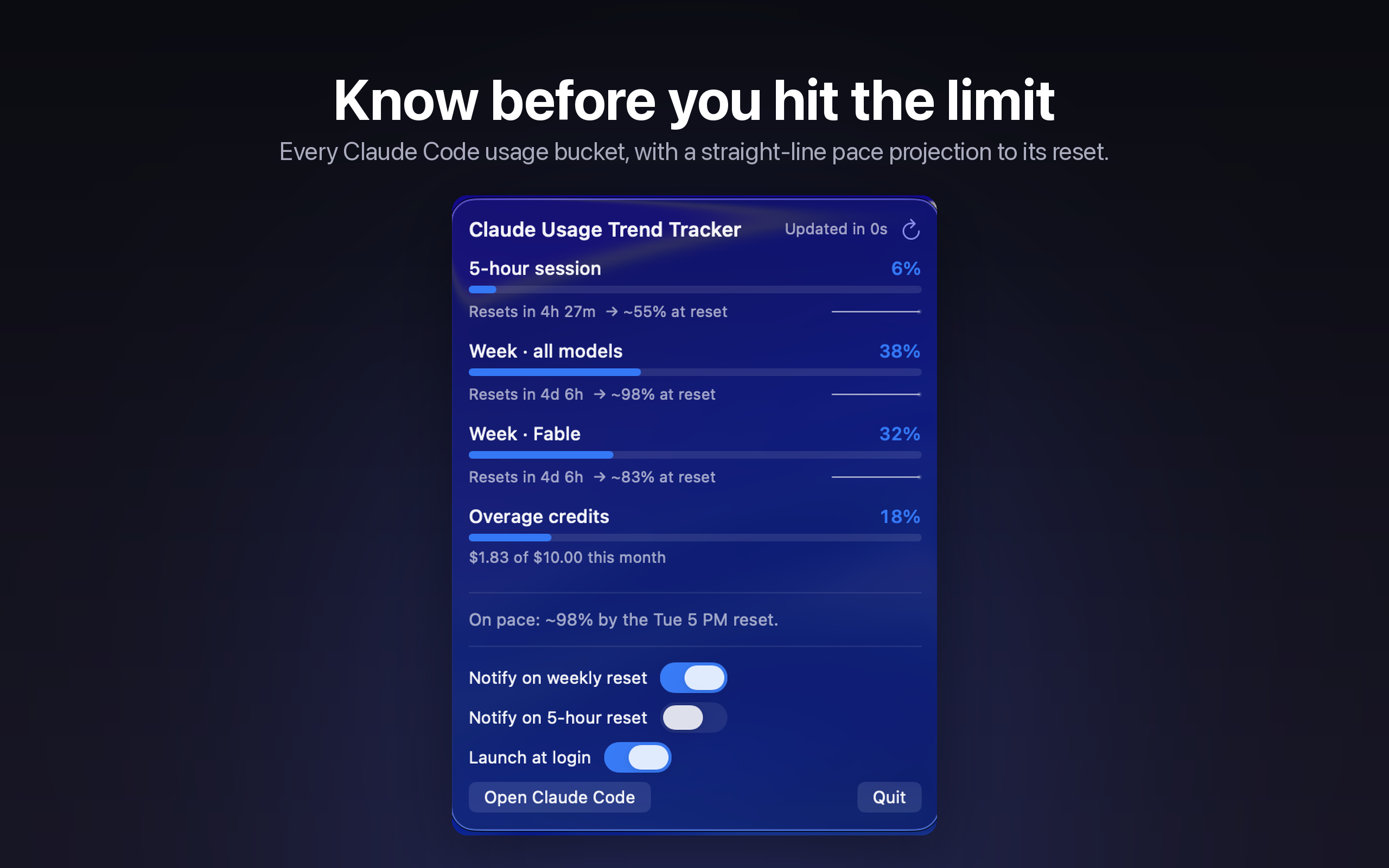
Pace projection tells you if you'll run out before your reset.

Usage percentage alone doesn't tell you much — 70% used with three days left is fine, 70% used with three hours left is not. Usage Trend Tracker watches your burn rate and projects whether you're on track.
  • A running rate, not just a snapshot percentage
  • Flags when you're on pace to hit a limit early
  • Separate pace tracking for weekly and 5-hour windows
  • Per-model pace, so one heavy model doesn't blindside another
Popover — pace
Claude Usage Trend Tracker popover window showing usage trend charts and a projected run-out time for the current reset window.
No refreshing, no guessing

Reset and threshold alerts, so you find out the moment it matters.

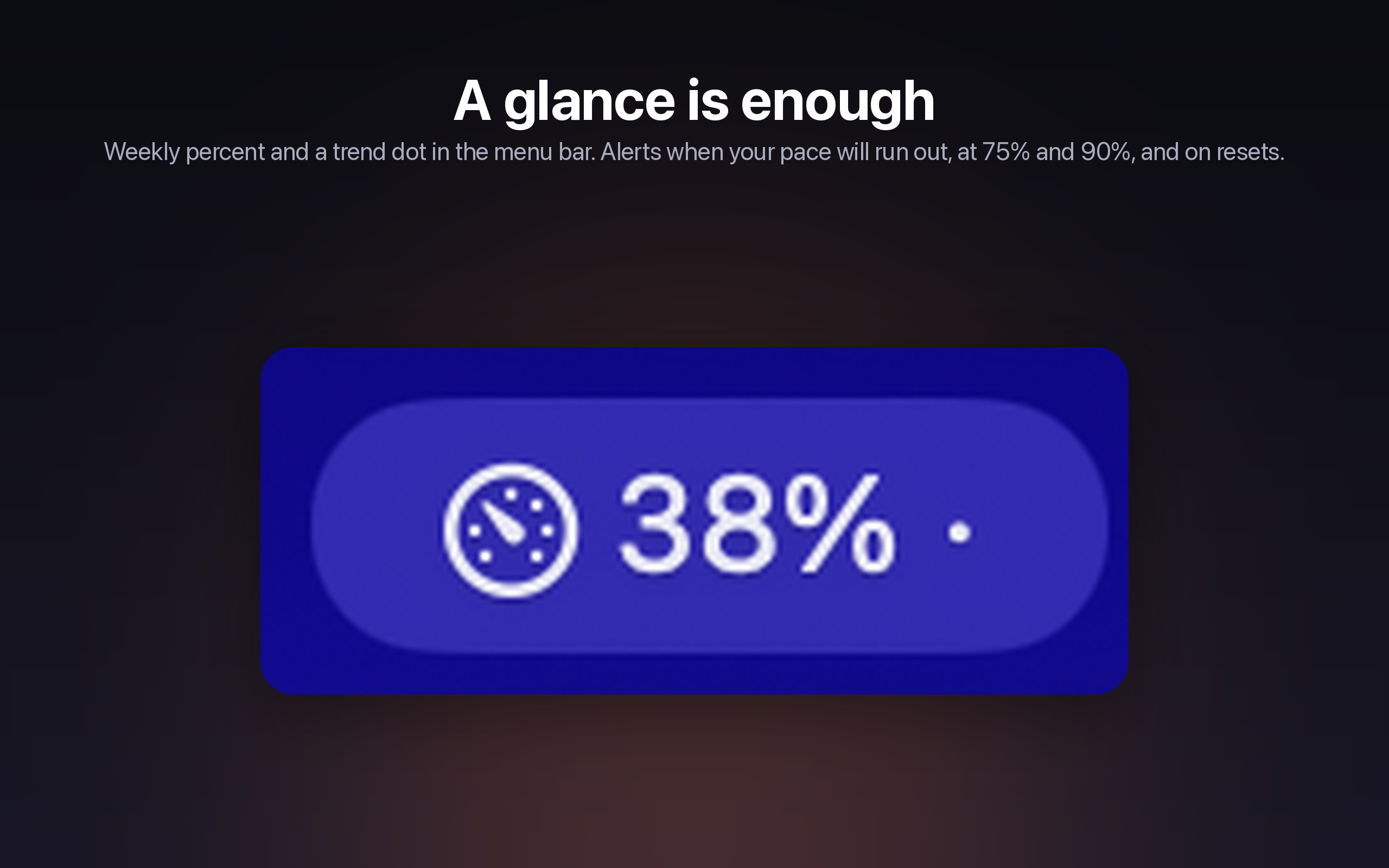
Set a threshold — say, 85% — and get a native notification the moment you cross it. Another one lands the instant your limit resets, so you know exactly when you're clear to keep going.
  • Custom thresholds per limit type
  • Native macOS notifications, no polling required
  • A reset alert the second your window rolls over
  • Quiet by default — alerts only fire when you ask for them
Alert settings
Claude Usage Trend Tracker alert settings showing configurable usage thresholds and reset notifications.

Multi-account, one glance

Track every Claude account you use — personal, work, a client's — and switch between them from the same menu-bar popover. Each account keeps its own thresholds and history.

Private & local

Reads your existing Claude sign-in on-device and talks only to Anthropic. No third-party server sees your usage.

Native

Built for macOS, top to bottom — a real menu-bar app, not a wrapped web page.

Light + Dark

Follows your system appearance automatically.

Where it runs

macOS today. iOS and Android on the way.

One account, tracked everywhere you check it.

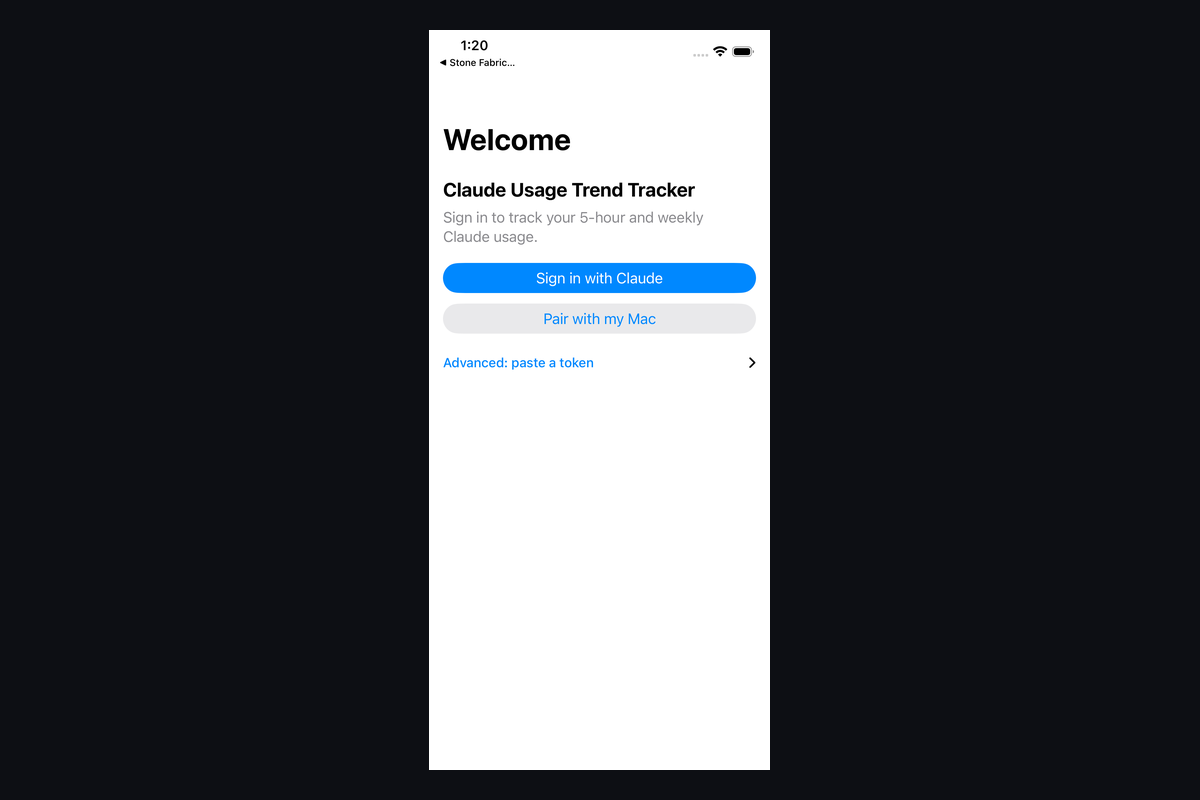
Claude Usage Trend Tracker for iOS — coming soon.

iOS

Coming soon

Check your Claude limits from your pocket. In development.

Coming soon
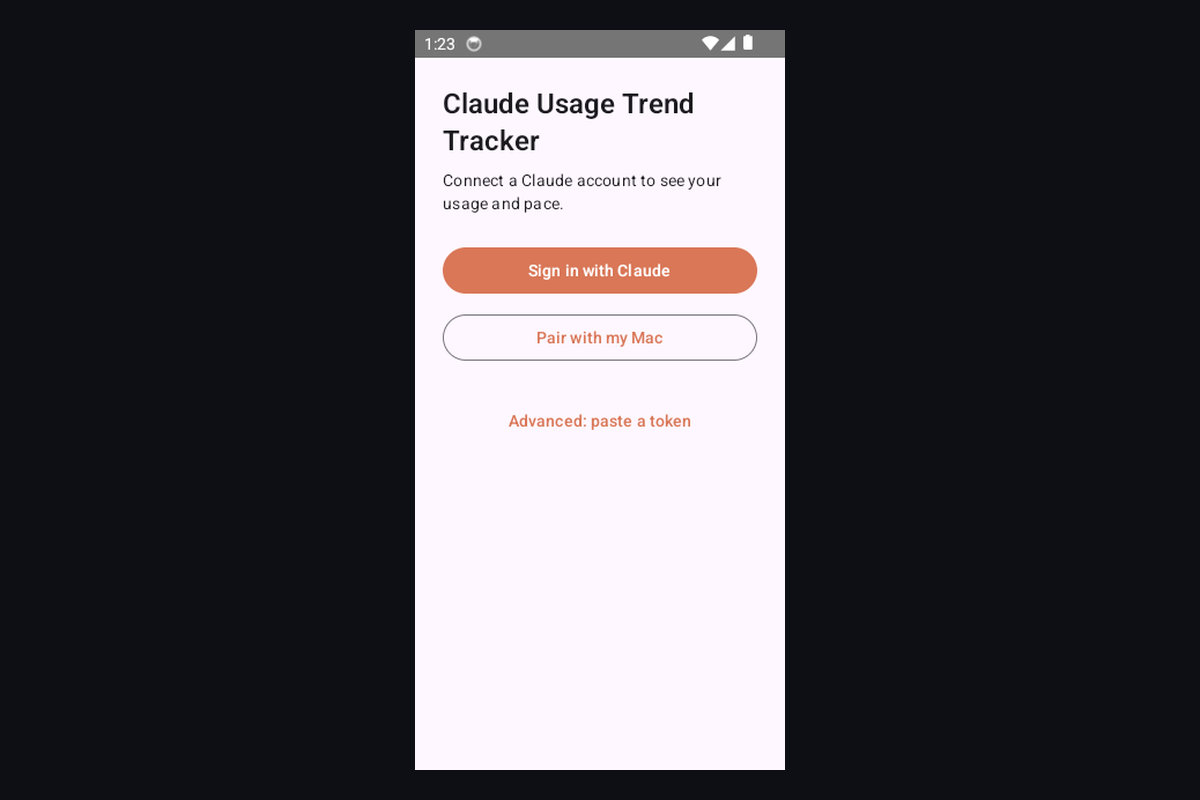
Claude Usage Trend Tracker for Android — coming soon.

Android

Coming soon

The same at-a-glance tracking, built for Android. In development.

Coming soon

Stop guessing how much Claude you have left.

Free on the Mac App Store. Live in your menu bar in under a minute.

Free · macOS · Private & local

More apps by The Portland Company

See all apps →